

How it works
Tell it what Sunday needs. That's the whole job.
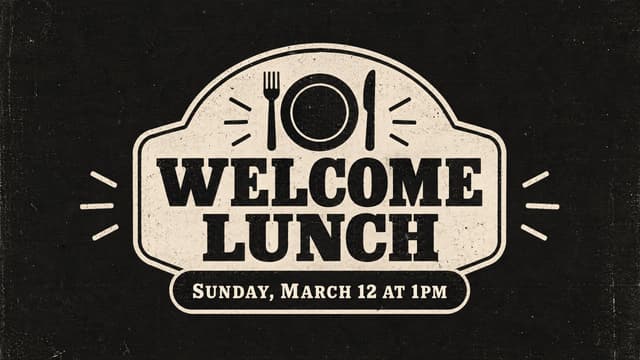
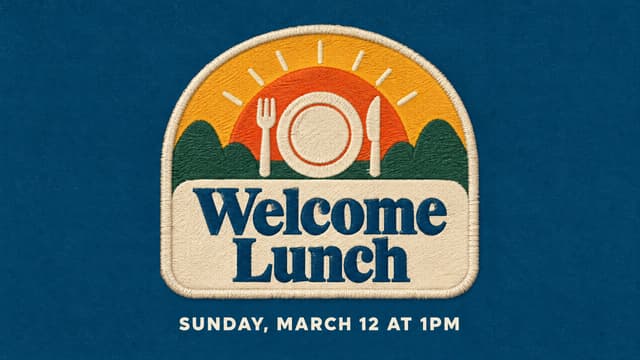
No template hunting, no design degree, no blank screen. Here's a real Welcome Lunch graphic, from the first sentence to the download. Scroll and watch each step happen.
Intake · 1 of 11
Start with a sentence.
Pick what you're making and finish the sentence the way you'd say it out loud. "An event graphic for Welcome Lunch" is plenty to start.
Intake · 2 of 11
It asks what a designer would.
A couple of quick questions fill in the gaps, like what the lunch is for and who it's for. Tap an answer or type your own.
Intake · 3 of 11
Check every word first.
Before anything gets made, you see exactly what text goes on the graphic. Add the date, a location or RSVP info, and fix anything that's off.
Intake · 4 of 11
Pick a style.
Your church's styles, each shown with a real example. Pick one, or two to split the designs between them. Welcome Lunch went all Refined.
Intake · 5 of 11
Dial in a look, if you want.
Badges, stained glass, watercolor and plenty more, all built for the style you picked. It's optional: skip it and the style decides.
Intake · 6 of 11
Choose what it centers on.
It suggests a few ideas made for your event, like a shared table or a basket of bread. Pick one, type your own, or let it surprise you.
Intake · 7 of 11
One last look, then Generate.
A plain-English recap of what it's about to make. Want something different? Say so here, before it starts.
Generate · 8 of 11
Three designs in a couple of minutes.
Three takes on the same brief, each in its own direction. You don't have to wait on the page: we'll email you when they're ready.
Generate · 9 of 11
Pick your favorite.
Open any of them full size. Close, but not quite? More like this and Adjust are both free.
Edit · 10 of 11
Every size from one design.
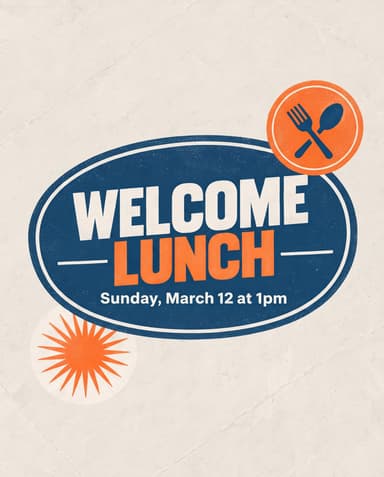
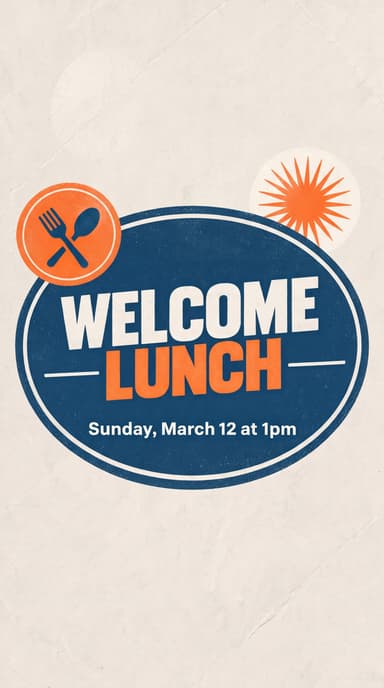
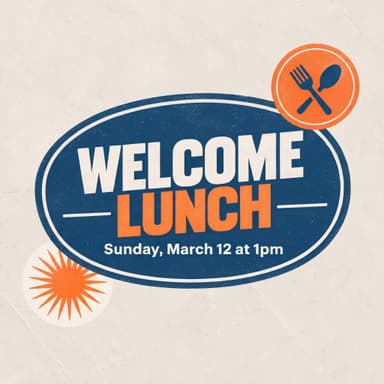
Your pick opens as a project with Screen, Feed, Story and Square sizes ready to go. Need something else? Add a custom size.
Edit · 11 of 11
Finish it and download.
Make adjustments, drop your logo on, add a QR code, then download everything at once. That's the whole project.



Beyond one project
The rest of what makes it yours.
Set up once
Your brand, pulled straight from your website.
Point ChurchCreate at your church's site and it reads your colors, fonts and logos into a brand kit. Every design starts from it, and you can tweak it anytime.
Nothing on file yet.
We can read your colors and logo straight off yourchurch.com.
Colors
Fonts
Your taste
A style quiz that learns what feels like you.
Thumbs up the designs that feel like your church, thumbs down the rest. It learns your taste and keeps getting sharper every time you sort a few more.
Which of these feel like your church?
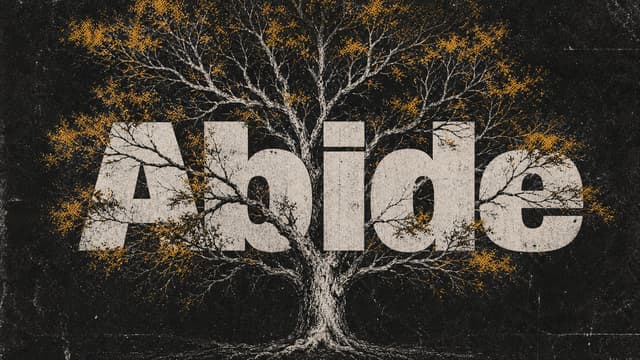
Your style, tracked
It keeps learning long after the quiz.
Every design you pick or download updates your church's style, and the ones you pass on count too. Your dashboard shows where it stands, and new designs lean the way your church actually leans.
Expressive Type Craftsman
You have a real eye for lettering, letting words be the star of the show. Your look is also clean and spacious, with a touch of raw texture that gives it a warm, personal character.
Refine your styleNothing wasted
Liked more than one? Keep it.
Every concept from a project stays one click away. Turn any one you didn't pick into its own project, sized and ready, without using another project from your plan.
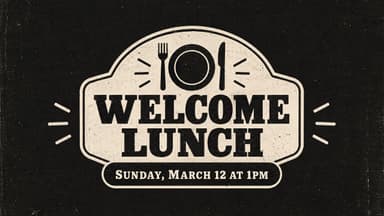
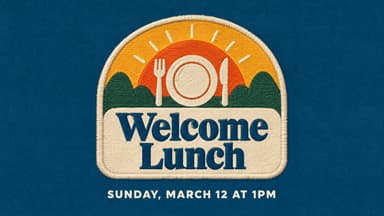
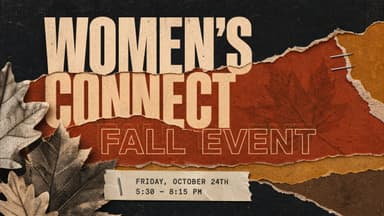
Community Projects
Your best work, serving other churches.
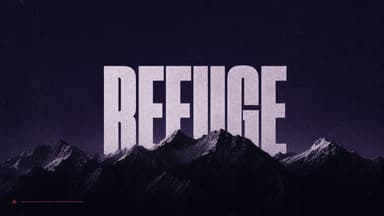
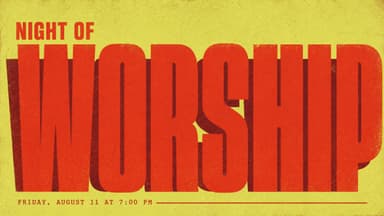
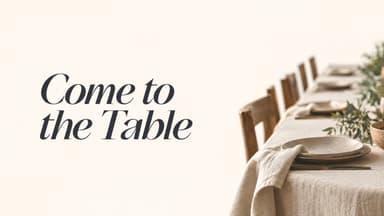
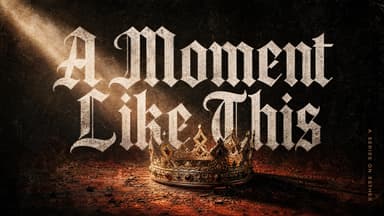
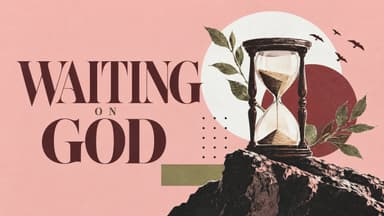
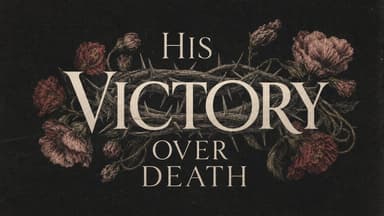
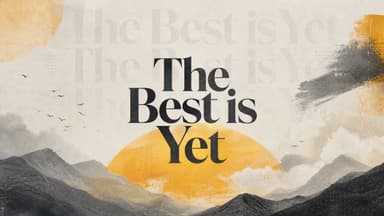
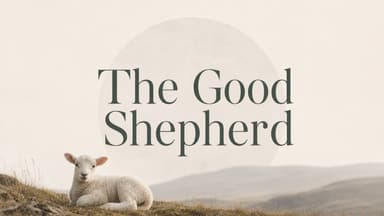
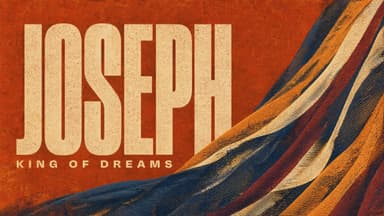
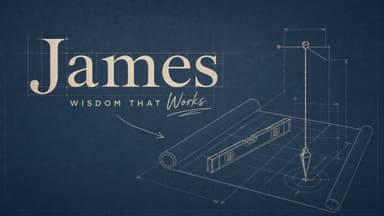
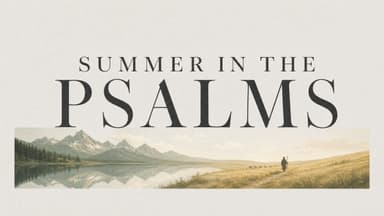
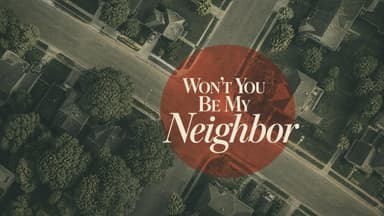
Community Projects is a curated list of designs made with ChurchCreate, shared so churches can serve one another. On a paid plan, download any of them or turn one into a project of your own.


Logo and QR
Your logo and a QR code, right on it.
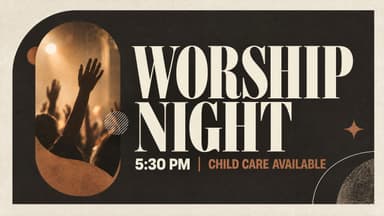
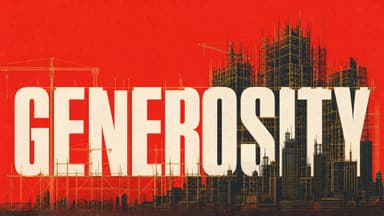
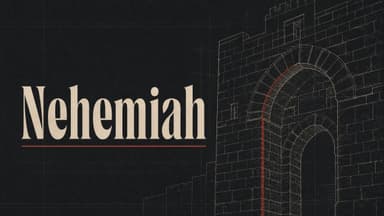
Drop your church's logo onto any graphic and add a QR code that actually scans, drawn in code instead of by the AI. Drag them where you want and they're placed cleanly when you download.


Free every week
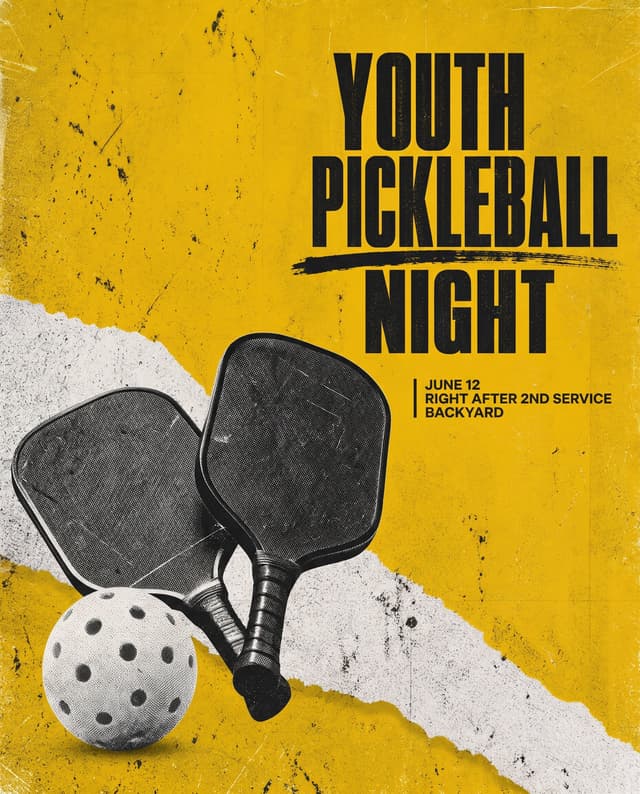
Free graphics, fresh every week.
A new set of finished graphics drops every week. Make a free account and they're yours to download, no plan needed.





Under the hood
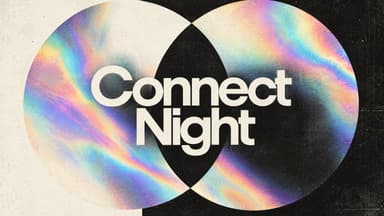
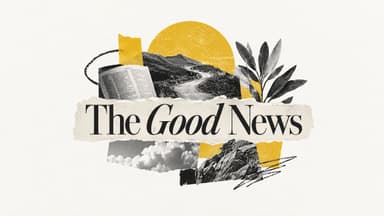
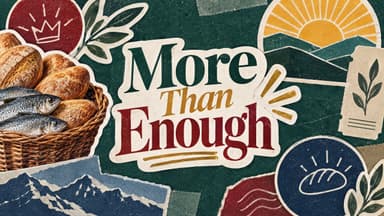
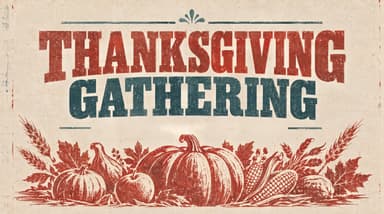
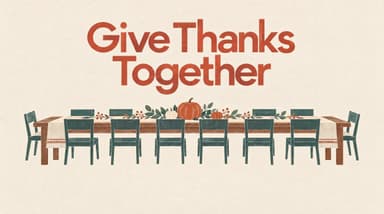
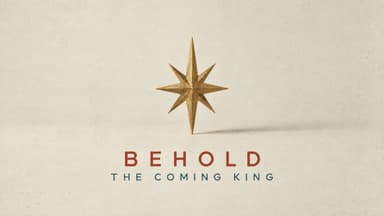
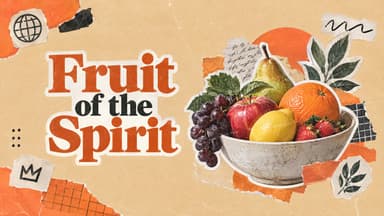
Trained on 300,000 designs made for real churches.
ChurchCreate comes from Church Media Squad, a team that has designed for more than 3,000 churches since 2017. Every design starts from that library, not from stock templates or images scraped off the internet. That's why what comes out looks like it was made for a church, because everything it learned from was.
- 3,000+
- churches designed for
- 300,000
- designs in the library
- 2017
- designing for churches since