


Church graphic sizes: every size for screens, slides and social
Pixel sizes for sermon slides, lobby TVs, feed posts, stories and banners, plus how to keep one design looking right in all of them.
Most churches need four sizes. 1920 × 1080 for screens and slides, 1080 × 1350 for feed posts, 1080 × 1920 for stories, and 1080 × 1080 for square posts. Get those four right and you've covered nearly every place a church graphic goes.
The trouble is that one design rarely survives being squeezed into all four. Here's every size, where it goes, and how to keep one series looking like itself in each of them.
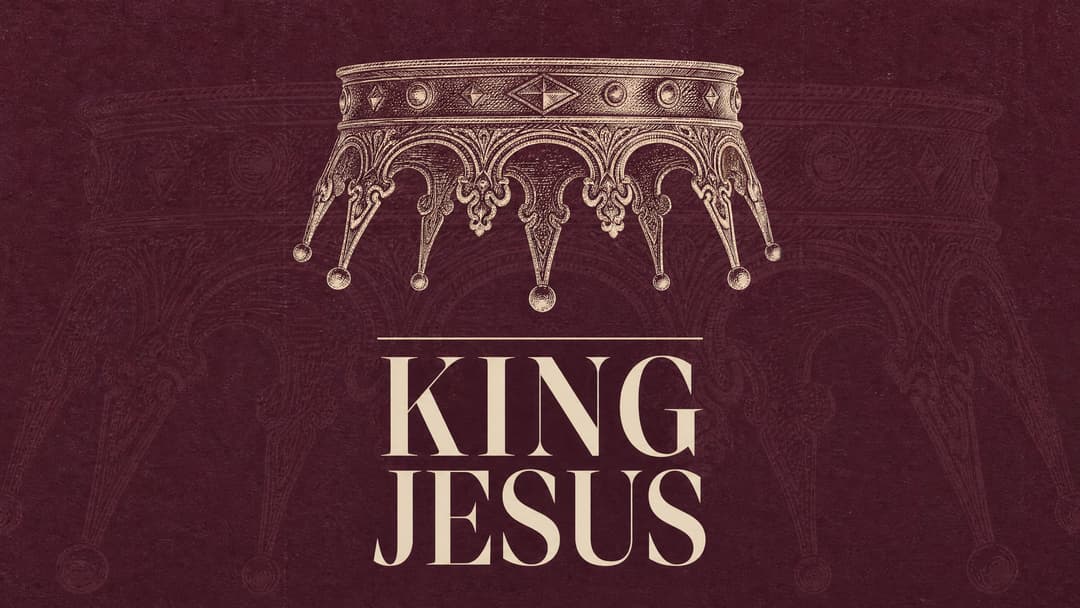
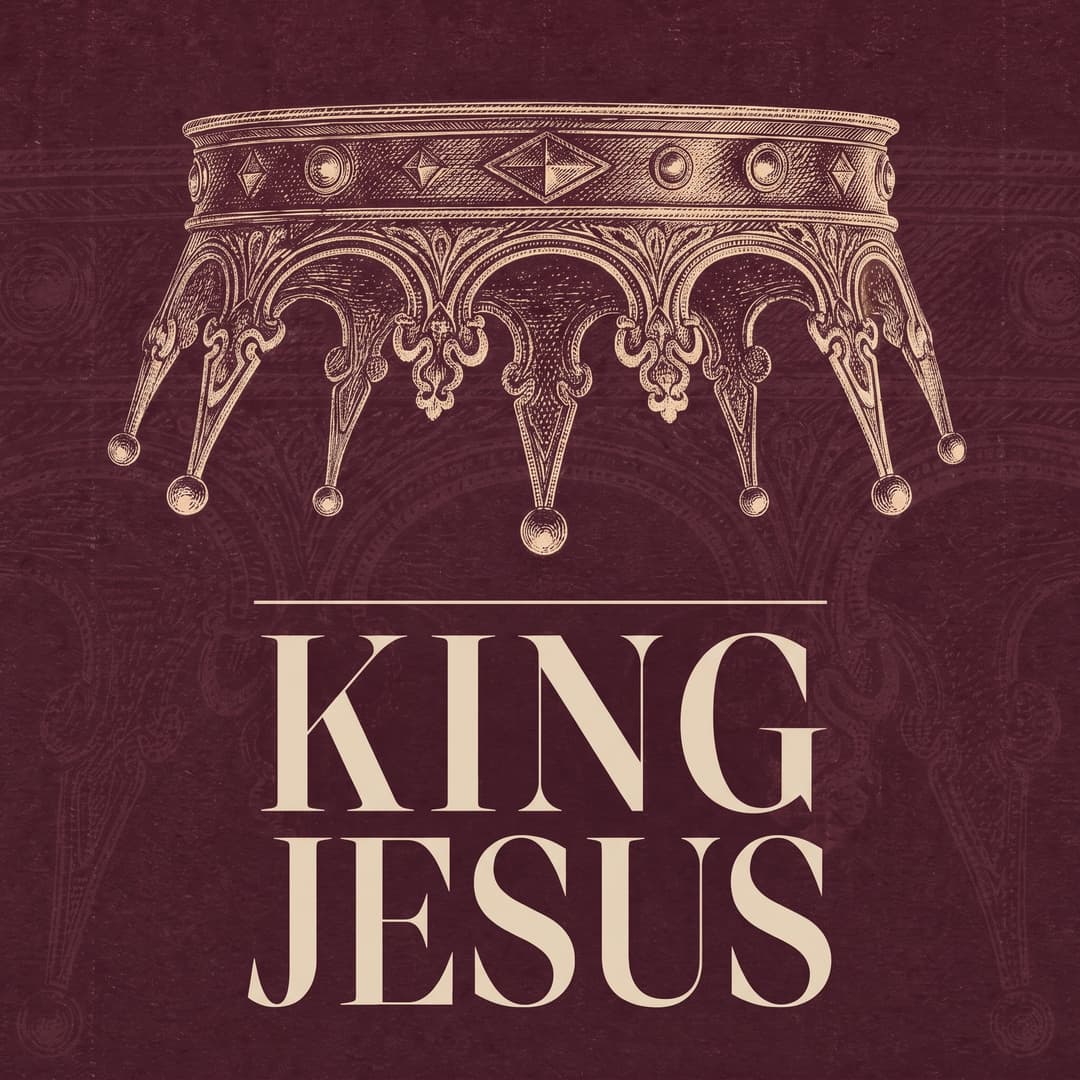
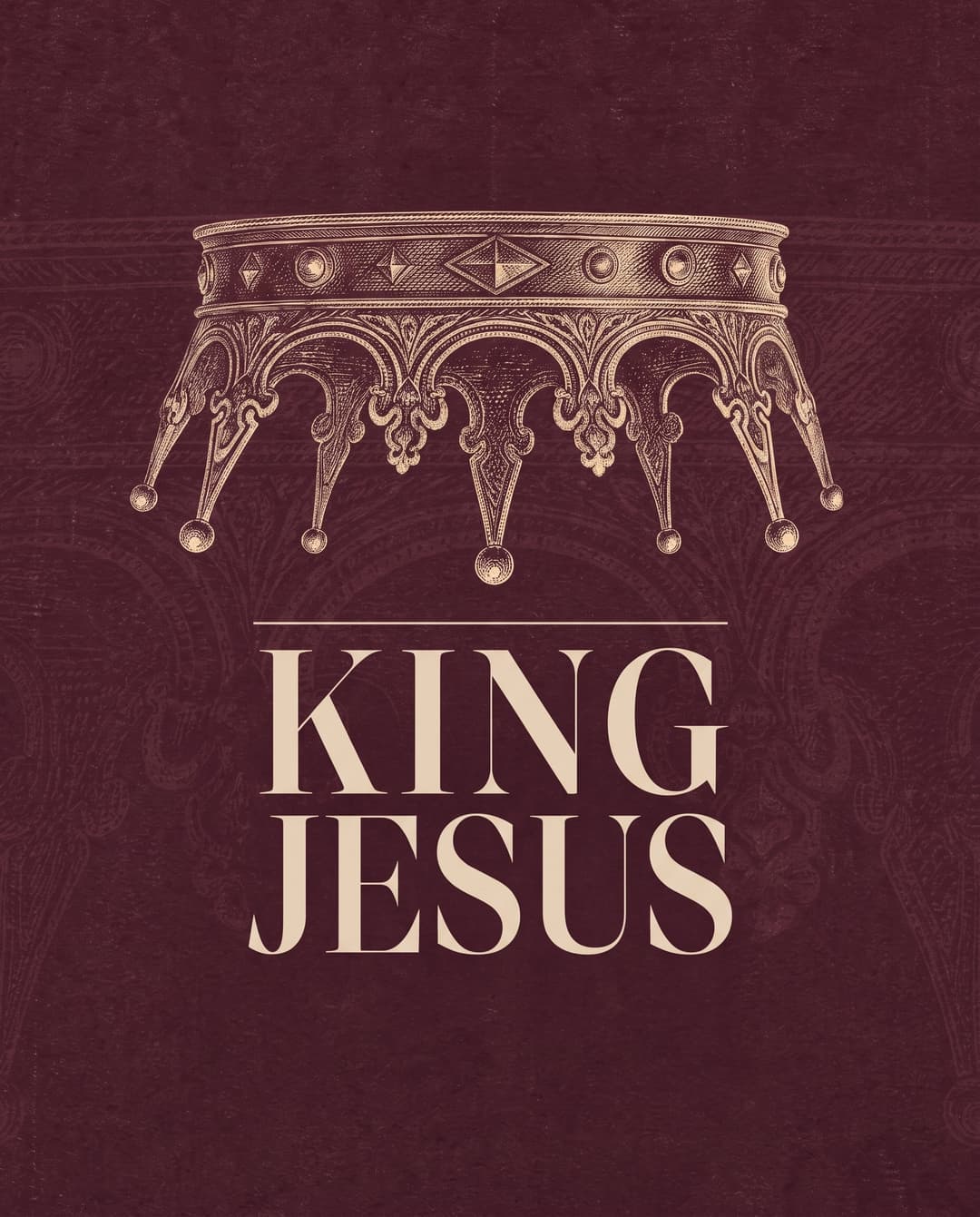
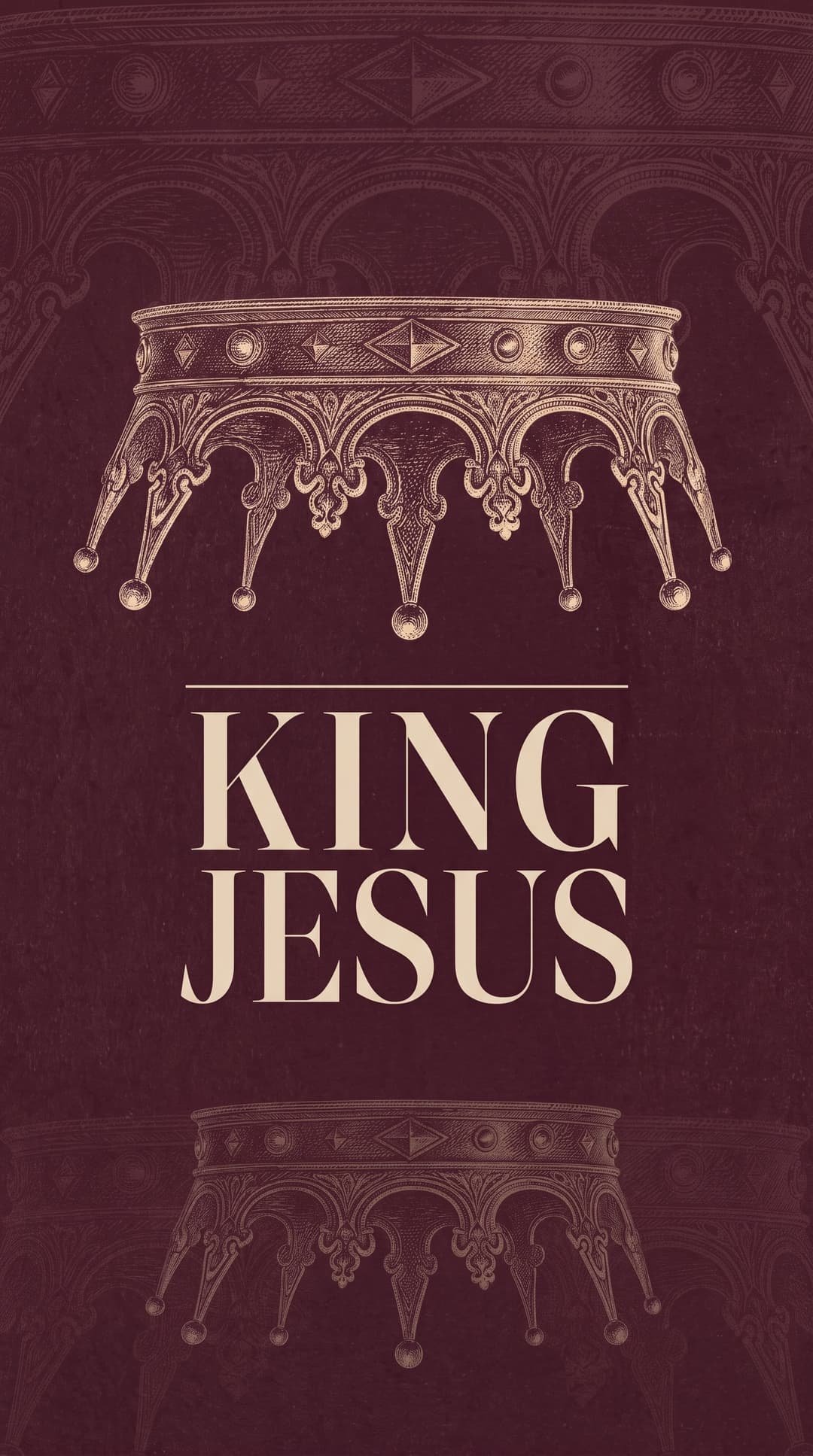
The four sizes almost every church uses
| Name | Ratio | Pixels | Where it goes |
|---|---|---|---|
| Screen | 16:9 | 1920 × 1080 | Sanctuary screens, lobby TVs, service slides, YouTube, website sections |
| Feed | 4:5 | 1080 × 1350 | Instagram and Facebook feed posts |
| Story | 9:16 | 1080 × 1920 | Instagram and Facebook stories, Reels covers, phone wallpapers |
| Square | 1:1 | 1080 × 1080 | Church apps, email headers, anywhere that crops to a square |
If you can only make two, make Screen and Feed. Those two carry most of a church's week.
The other sizes that come up
Every church has a few odd ones. These are the most common.
| Name | Pixels | Where it goes |
|---|---|---|
| Website banner | Often 1600 × 500 or wider | The header on your sermon or events page. Check your site builder, since every theme is different |
| Facebook event cover | 1920 × 1005 | The image at the top of a Facebook event |
| Link preview | 1200 × 630 | The picture that shows when someone shares a link to your site |
| YouTube thumbnail | 1280 × 720 | Sermon and livestream thumbnails |
| Older projectors | 4:3, such as 1024 × 768 | Some older sanctuaries and fellowship halls |
| LED walls | Custom | Ask your tech team for the exact pixel size of the wall |

Why you can't just crop one design into the others
Cropping a 16:9 slide down to a 9:16 story keeps the middle third and throws away the rest. If your title runs across the slide, the story ends up showing three letters of it.
Going the other way is just as bad. Stretch a tall design across a wide screen and you get a small picture floating in a lot of empty color.
Each size needs the pieces moved, not cut. The title gets restacked onto two or three lines for the tall sizes. The main image moves to wherever there's room. Look at the crown in the King Jesus set at the top of this post. It sits above the title on the wide screen and gets much bigger on the square, because the square has the height for it.
Ask for a background version too
Every series needs one version with no words on it. Your lyrics, sermon points and announcements all sit on top of it, and a title underneath them makes everything harder to read.


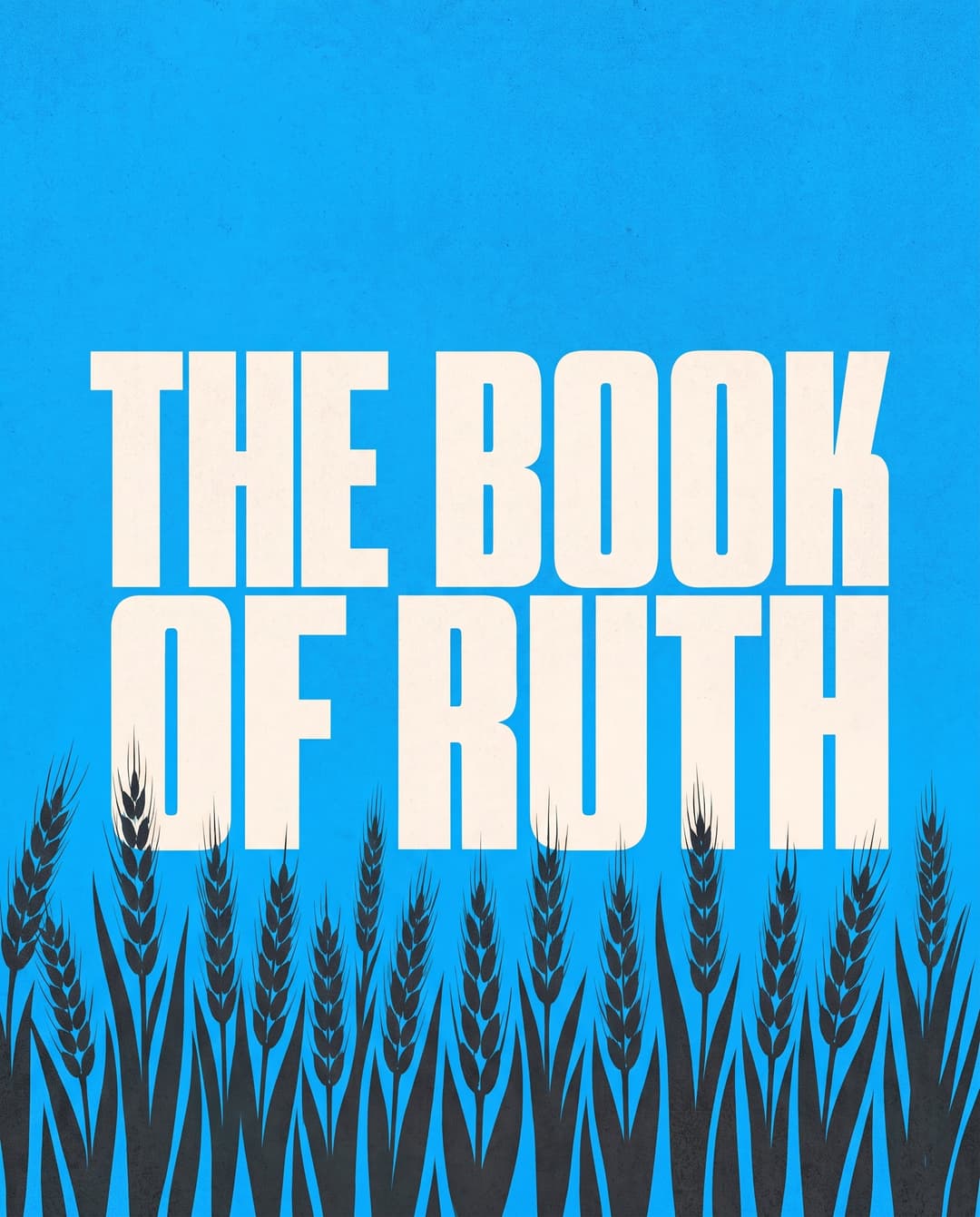
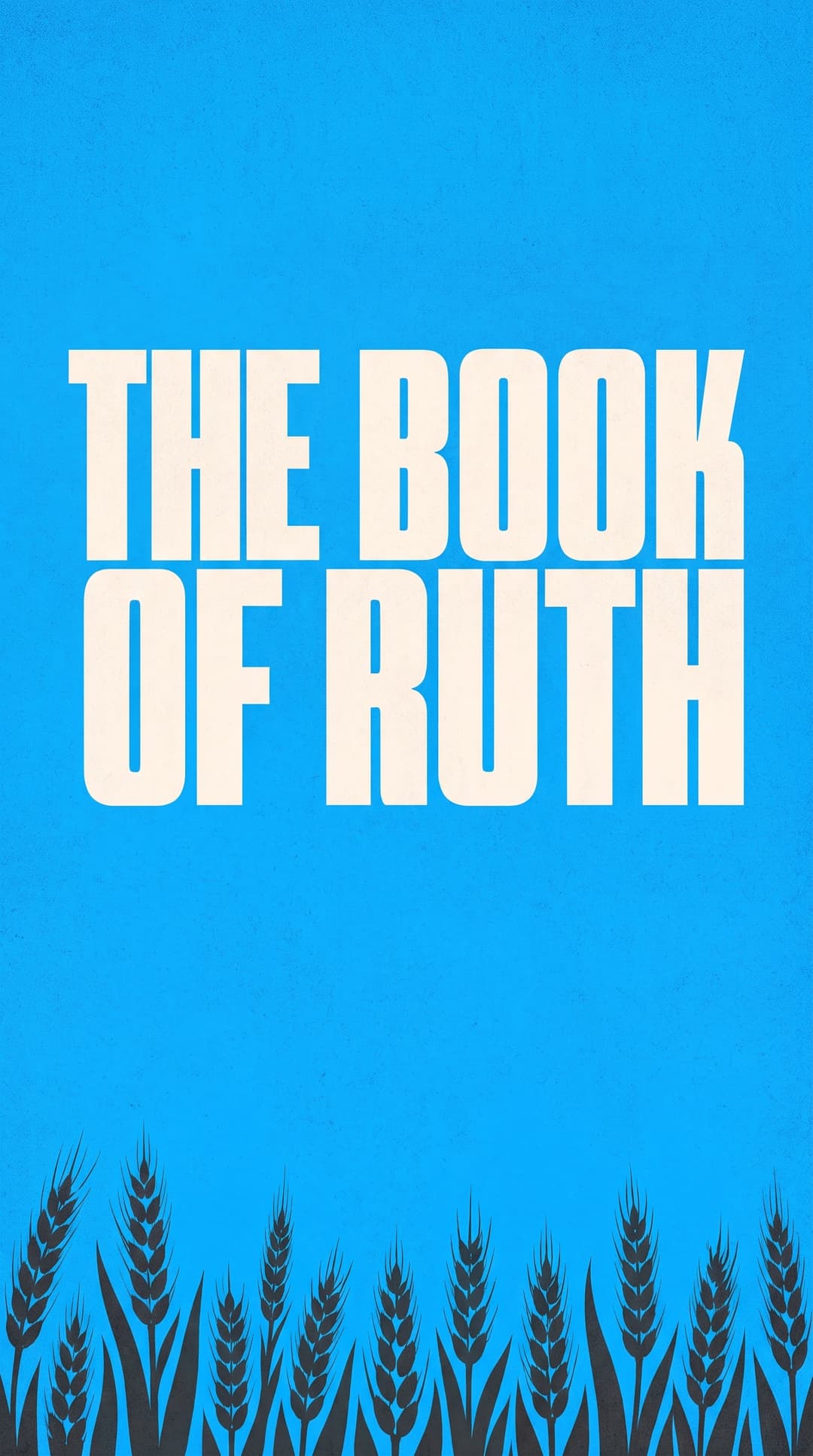
Where to keep the words on each size
Every platform covers part of your design with its own buttons and crops. Keep the title and the details out of those spots.
- Stories. Leave roughly the top and bottom 250 pixels clear. That's where the profile name, the reply bar and the buttons sit.
- Feed posts. Instagram's profile grid shows posts as a slightly narrower 3:4 tile, so it trims a sliver off each side. Keep the title away from the left and right edges.
- Screens. Nothing gets cut off, but the back row is far away. If the smallest words on your slide aren't readable when the slide is shown at a quarter of its size on your laptop, they won't be readable from the back.
- Lobby TVs. People walk past in about three seconds. One title and one detail, not a paragraph.
16:9 or 4:3 for slides?
Use 16:9 unless your projector is old. Nearly every screen and TV sold in the last ten years is 16:9, and so is every streaming platform.
If you're not sure, find the projector's model number and look up its native resolution. 1920 × 1080 or 1280 × 720 means 16:9. 1024 × 768 means 4:3, and a 16:9 slide on it will show black bars above and below.
JPG or PNG?
Use JPG for almost everything. It keeps file sizes small, and every presentation app and social platform takes it.
Use PNG when you need a transparent background, like a logo that sits on top of video, or when the design is mostly flat color and sharp type and the JPG shows fuzzy edges around the letters.
Questions people ask about church graphic sizes
What size is a sermon slide?
A sermon slide is 1920 × 1080 pixels, a 16:9 ratio. That fits nearly every modern projector, TV and streaming platform. Use 1024 × 768 only if your projector is an older 4:3 model.
What size should a church Instagram post be?
Use 1080 × 1350 pixels, a 4:5 ratio. It takes up more of the phone screen than a square post. Keep the title away from the left and right edges, because the profile grid trims a little off each side.
What size is an Instagram or Facebook story?
A story is 1080 × 1920 pixels, a 9:16 ratio. Keep the important words out of the top and bottom 250 pixels, where the app puts its own buttons.
What size should a lobby TV graphic be?
Almost every lobby TV is 16:9, so make it 1920 × 1080, the same as your service slides. Keep it to one title and one detail, since people read it while walking past.
Can I use one graphic for every size?
Not by cropping. A wide slide cropped to a story loses most of its title. Make one design, then re-lay it out for each size so the title and main image both fit.